

You know that moment when you put on your headset, pick up the controller, and the outside world fades away? That’s the feeling an immersive gaming room is built to deliver. It’s not about flashy gear alone—it’s about atmosphere, comfort, and smart setup choices that pull you deeper into every game.
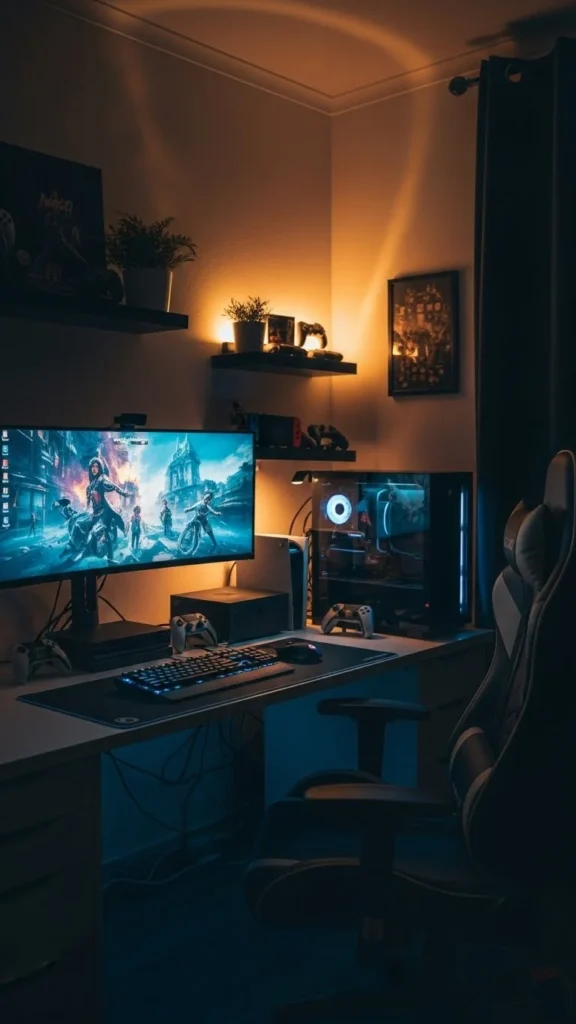
Whether you’re starting from scratch or upgrading what you already have, this guide will walk you through simple, realistic ways to design a gaming room that feels next-level without feeling overwhelming.
Choose the Right Space (Even a Small One Works)
You don’t need a massive room to create an immersive setup. What matters most is control over light, sound, and layout.
Start by looking for:
- A room with minimal foot traffic
- A door you can close for focus
- Enough wall space for screens and shelves
Small rooms can actually feel more immersive because everything is within reach. If space is tight:
- Use wall-mounted shelves instead of bulky furniture
- Choose a compact desk with cable cutouts
- Go vertical with storage
The goal is to make the room feel intentional, not crowded.
Dial In the Lighting for Mood and Focus
Lighting is one of the biggest immersion boosters—and one of the easiest upgrades.
Avoid harsh overhead lights. Instead, layer your lighting:
- Soft ambient lights for general glow
- LED strips behind desks, monitors, or shelves
- A small desk lamp for quick tasks
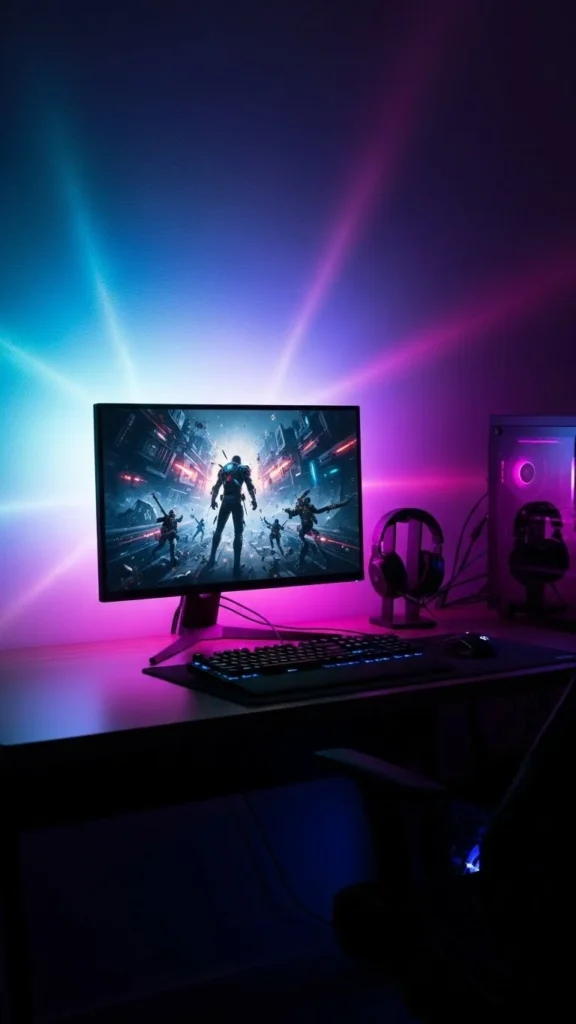
Stick to colors that match your gaming style:
- Cool blues and purples for futuristic vibes
- Warm tones for cozy, relaxed sessions
- Neutral whites for competitive focus
Dimmable lights are a game-changer. You can shift the mood instantly without touching your setup.
Pick Audio That Pulls You Into the Game
Sound is half the experience. Great visuals mean nothing if audio falls flat.
You have two solid options:
- Headsets for deep focus and late-night play
- Speakers for room-filling immersion
For headsets:
- Look for comfortable padding and adjustable fit
- Prioritize clear directional sound
For speakers:
- Position them at ear level when seated
- Keep them away from walls to reduce echo
Simple sound upgrades make everything feel more real—from footsteps to background music.
Set Up Screens for Comfort and Impact
Your screen placement can make or break immersion.
Key tips:
- Center your main screen at eye level
- Keep screens about an arm’s length away
- Angle side monitors slightly inward
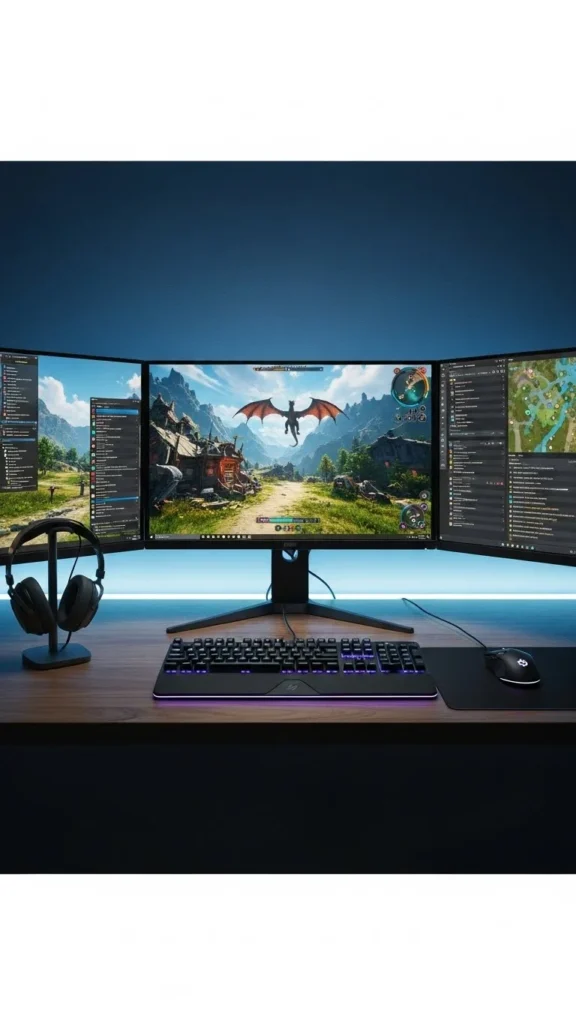
If you’re using one screen, go larger rather than brighter. A wider view naturally pulls you into the game world.
Don’t forget:
- Adjust brightness to reduce eye strain
- Match screen refresh settings to your hardware
- Use a simple background when not gaming
Comfort keeps you playing longer—and enjoying it more.
Build Comfort Into Every Detail
Immersion disappears fast if your body is uncomfortable.
Focus on:
- A supportive chair with adjustable height
- A desk that allows relaxed arm positioning
- A footrest if your feet don’t sit flat
Small touches matter:
- A soft rug under your chair
- Wrist supports for long sessions
- Breathable materials to stay cool
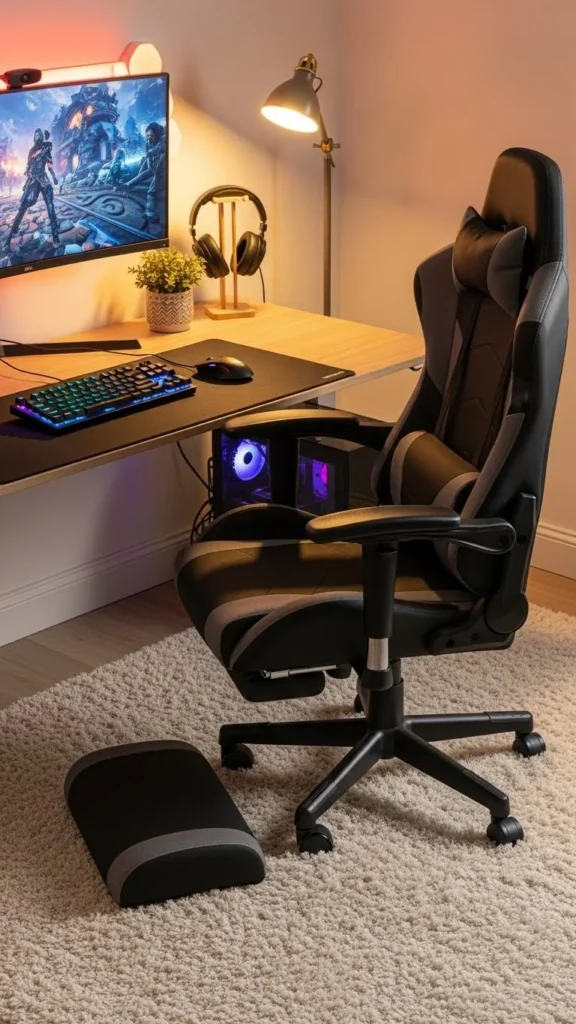
When your body feels good, your focus stays locked in.
Add Personal Touches Without Clutter
This is where your gaming room becomes yours.
Choose a few meaningful elements:
- Framed art or posters from favorite games
- Collectibles displayed on floating shelves
- Subtle wall textures or panels
Keep it balanced:
- Limit décor to a few focal points
- Avoid covering every surface
- Leave visual breathing room
A clean setup keeps your attention on the screen—not distractions around it.
Manage Cables for a Clean, Calm Look
Nothing breaks immersion faster than tangled cords.
Quick fixes:
- Use cable sleeves or clips
- Route wires behind desks and along walls
- Label cables once so future changes are easy
A tidy setup:
- Looks better on camera
- Feels calmer during play
- Makes upgrades less stressful
This step takes an hour but pays off every time you sit down.
Final Thoughts: Make It Feel Like an Escape
An immersive gaming room isn’t about copying someone else’s setup. It’s about creating a space that helps you disconnect, focus, and enjoy every session.
Start small. Upgrade one element at a time. Pay attention to how the room makes you feel—not just how it looks.
Save this guide for later and come back as you build your ultimate gaming space.

Leave a Reply